2018+ JLR Hitag Smart Key Programming with CGDI K2
Looking for a safer, faster way to clone a 2018+ Jaguar or Land Rover (JLR) smart key? If you have a CGDI K2 Smart Key Tool, you can skip pulling the dashboard apart to reach the KVM module.
This guide walks you through copying an ID49 Hitag Pro smart key using CGDI K2’s latest NXP NCF29Ax cloning update.
Why Use This Method?
- Zero Risk to the Car:Keep the KVM module untouched inside the vehicle.
- High Accuracy:Directly clones the original chip data for flawless pairing.
- ID Customization:Includes an on-board option to edit key IDs to match the car’s existing synchronization.
How to Clone the Key:
- Step 1: Check the Original Key
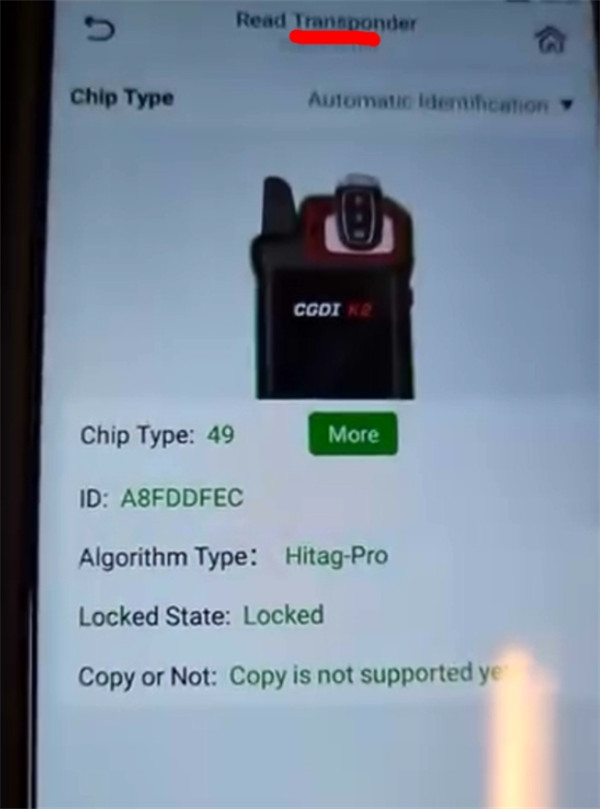
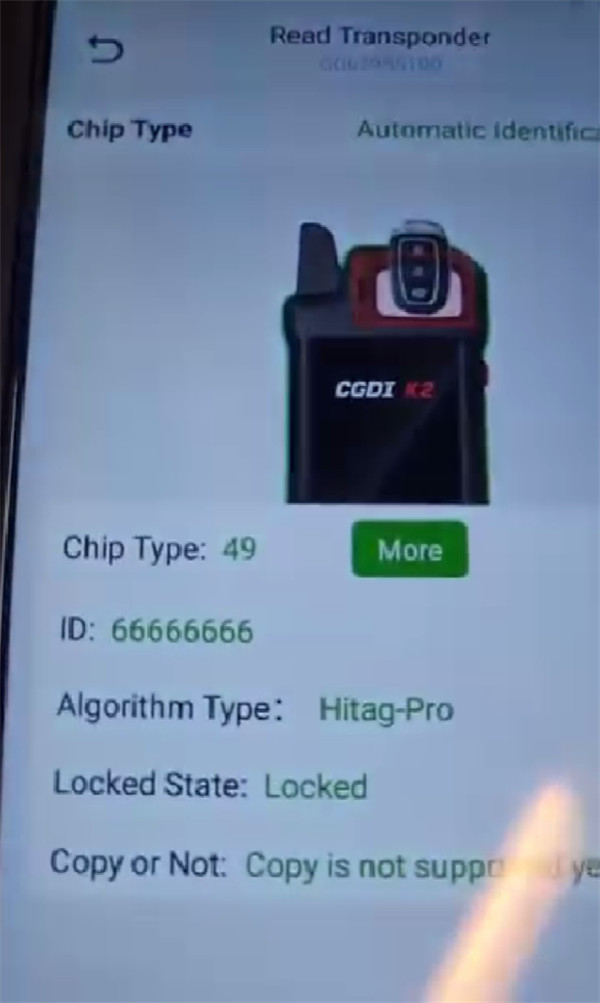
Insert the original key into CGDI K2 to read its status (chip type, ID, and lock condition).
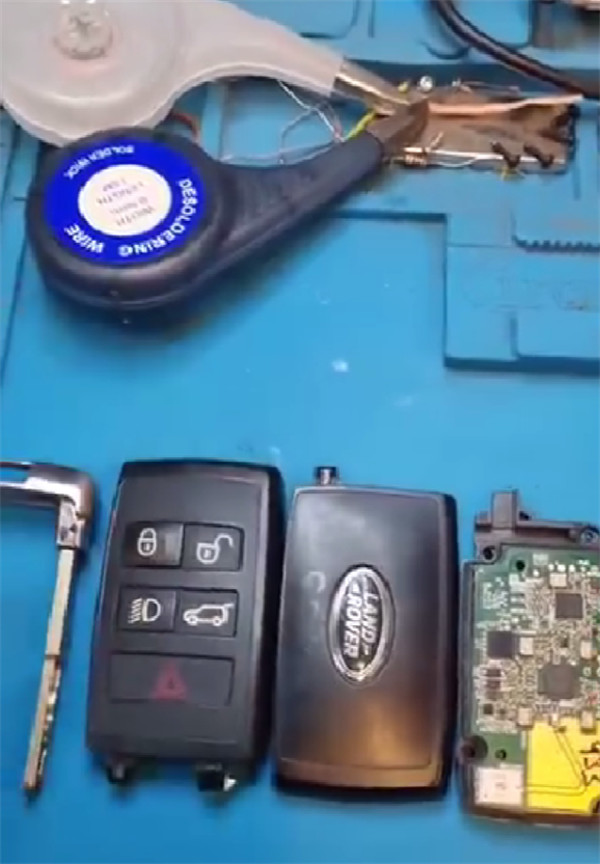
After reading, disassemble the key shell to expose the green circuit board.
- Step 2: Get the Wiring Diagram
On CGDI K2 app, head to the Land Rover Smart Key Cloning option. The software will show you exactly where to connect your wires.
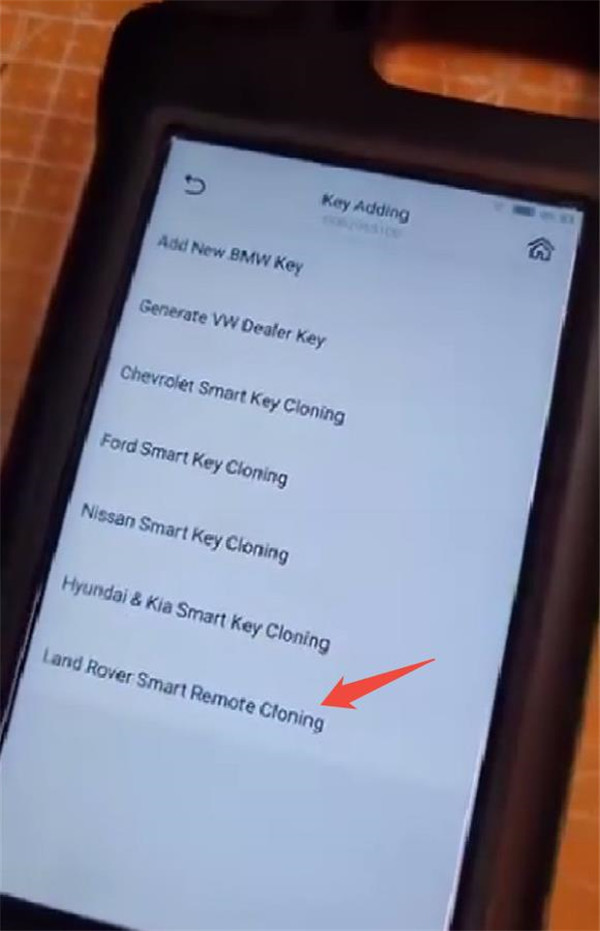
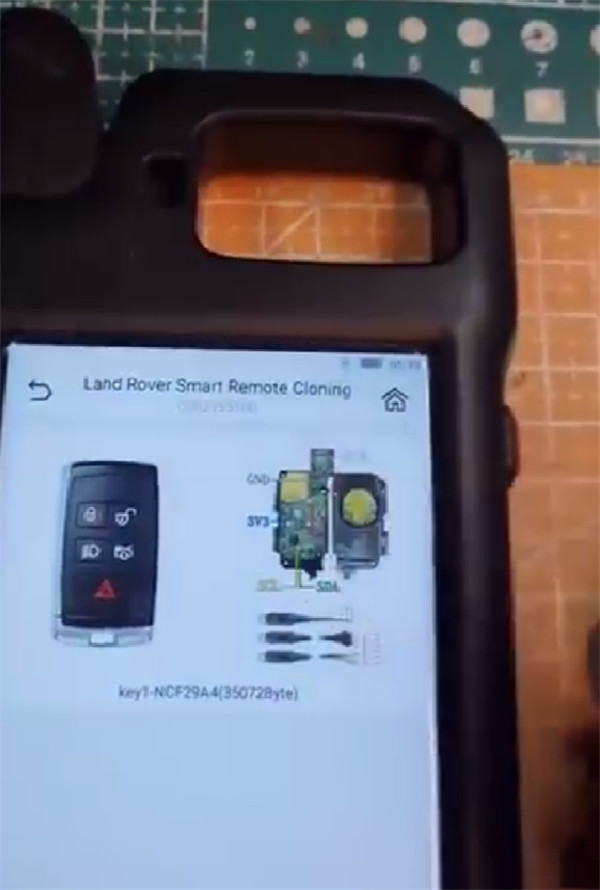
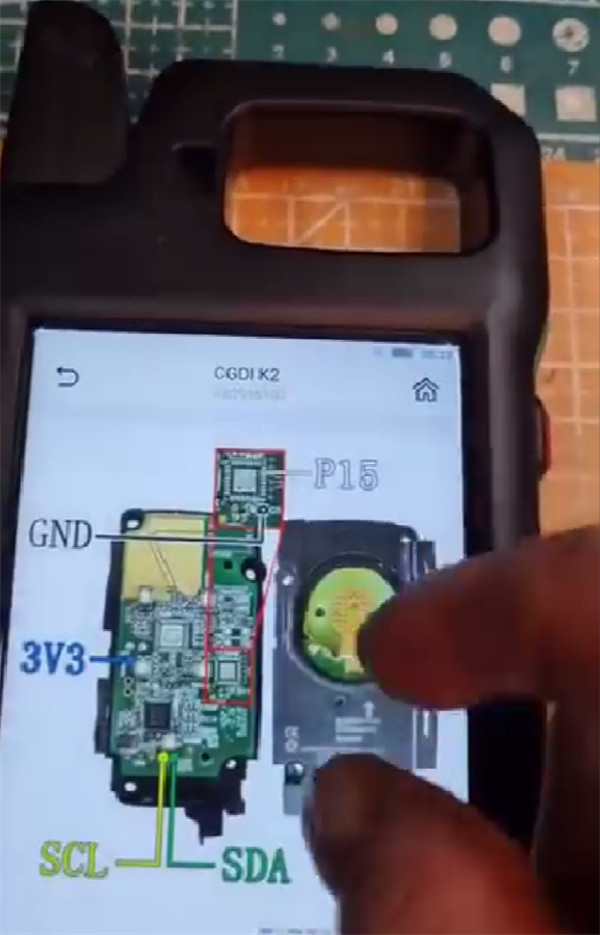
- Step 3: Connect and Read the MCU
Solder CGDI K2 renew cable to the original board.
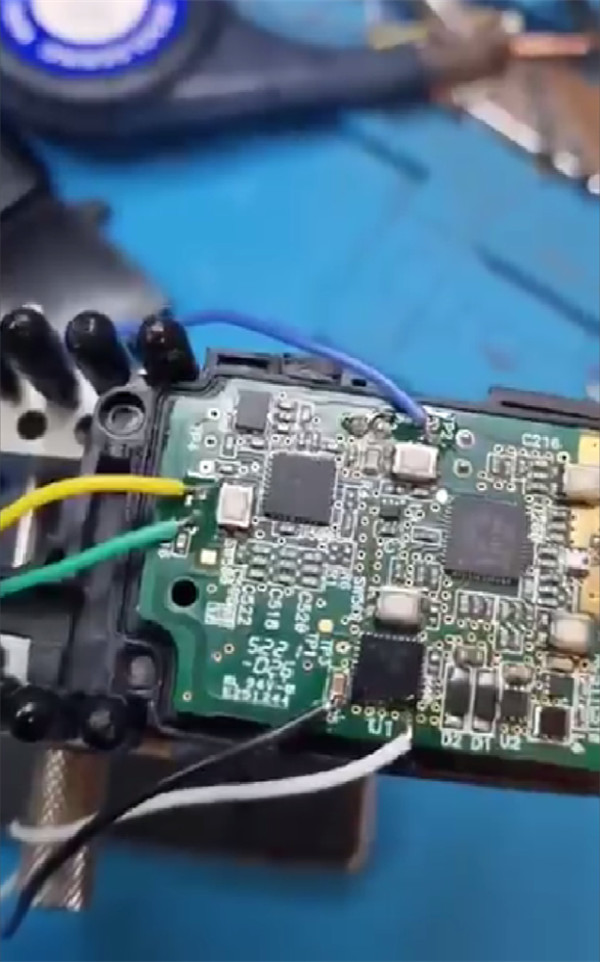
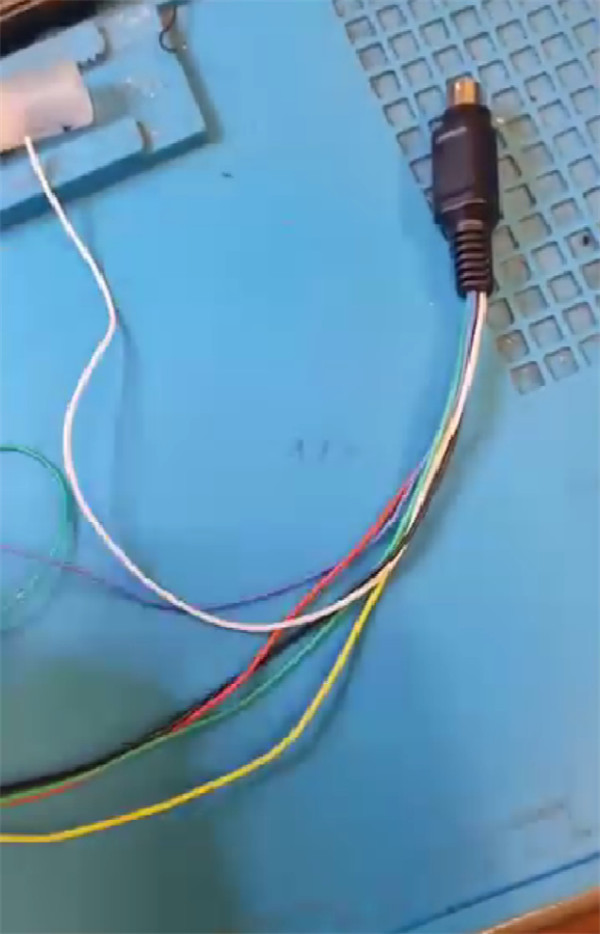
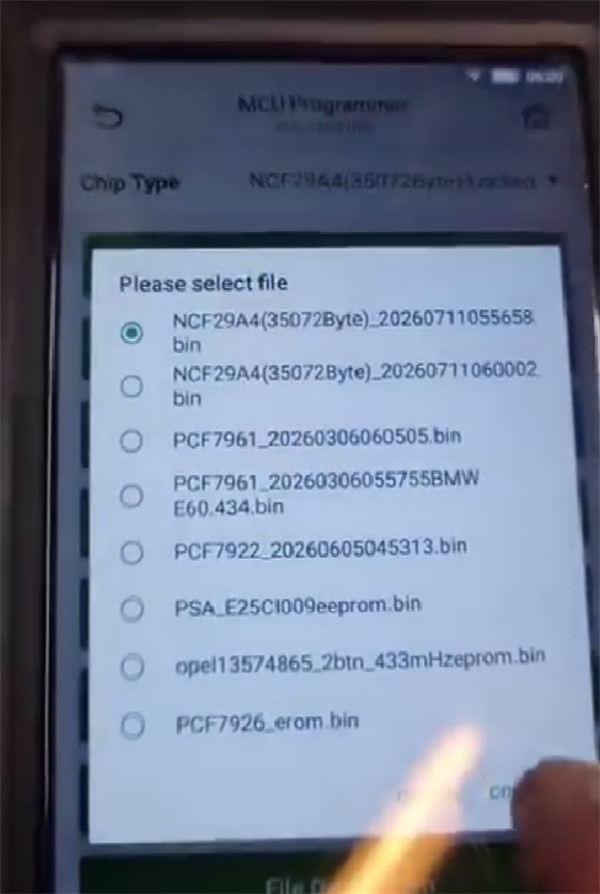
Then, enter the MCU Programmer function, select NCF29A4 (350728 byte) Locked, and read the original key’s internal data. Save this file to your computer or device.
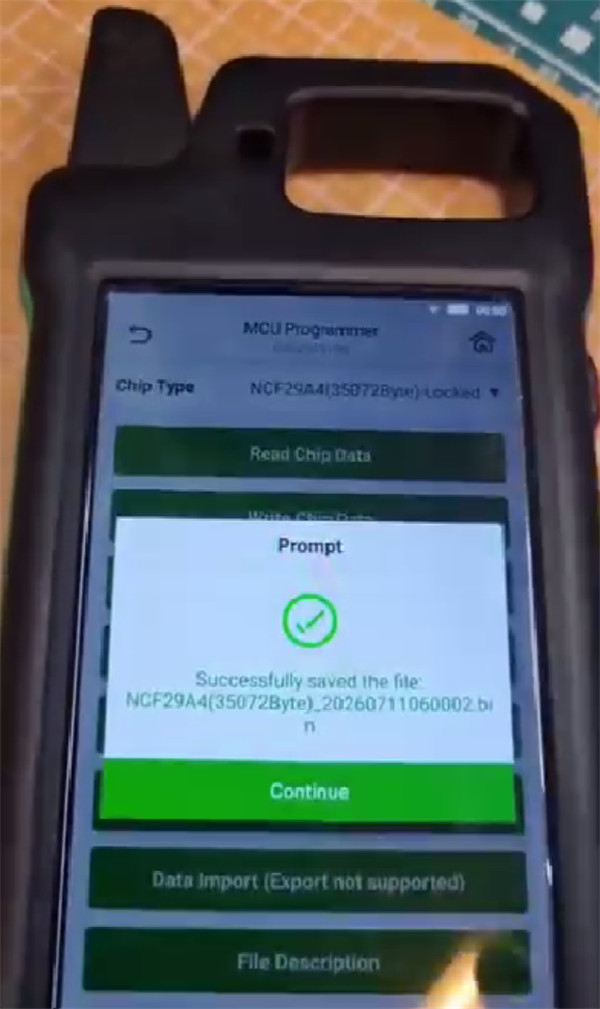
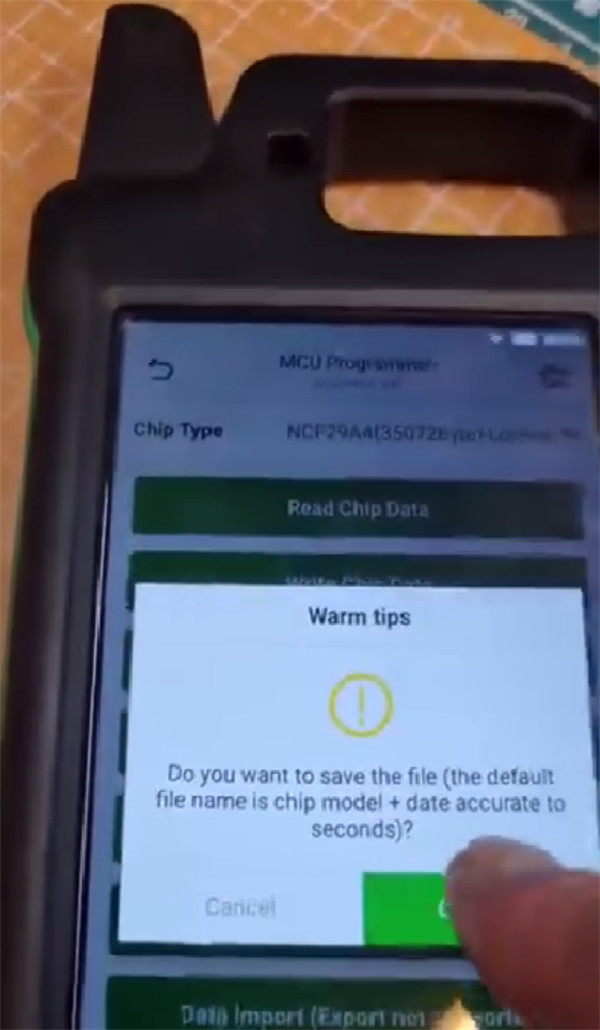
- Step 4: Program the New Key
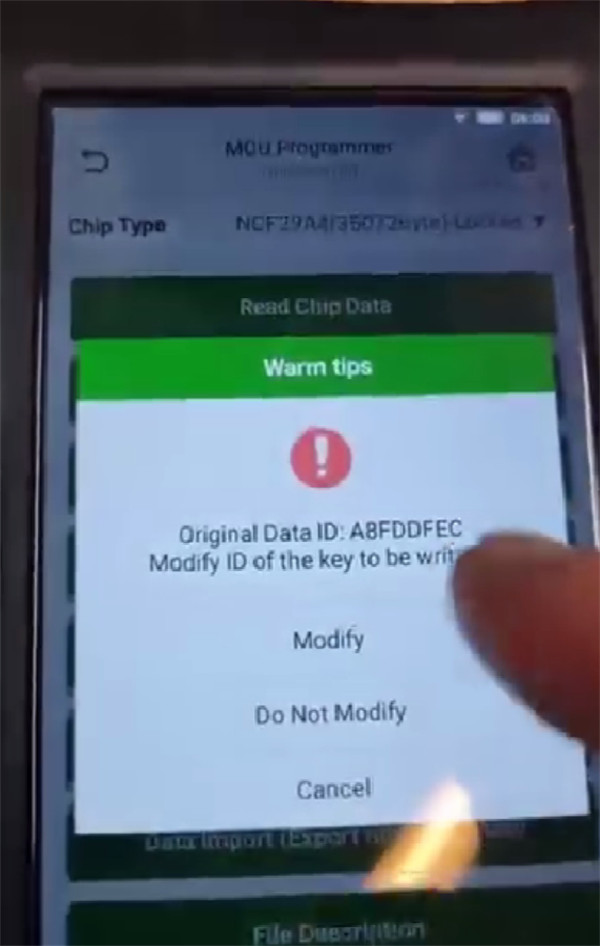
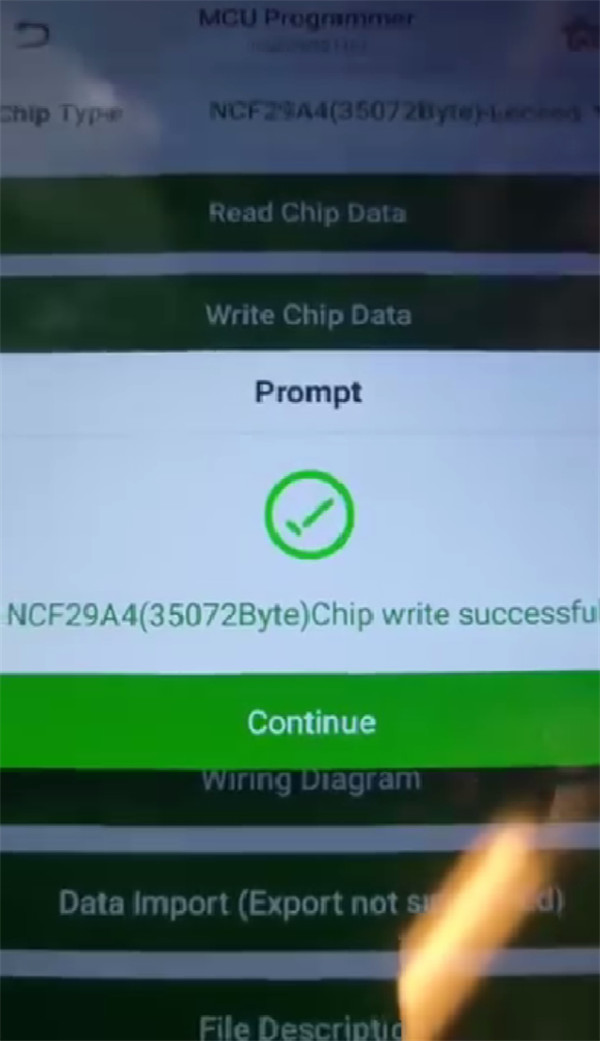
Desolder the wires from the original key, and solder them onto your blank replacement key. Upload the saved original data file and click write. If necessary, use the “Modify Key ID” feature to align it with the original key’s configuration.
- Step 5: Verify the Duplicate
Once the writing process is finished, run a quick read check on your newly copied key to make sure it is ready to be programmed and used on the road!
2017 Ford Focus 2.0L ECM VIN Change by CG FC-200
Is it Possible to Clone Mercedes VGS3 by CG FC-200?
BMW CAS3 Semi-Smart Key Program by CGDI BMW and Godiag Test Platform
About The Author
