
How to Correct Mileage on VW Vento NEC+35XX White Meter by CG201
To perform mileage correction on a VW Vento (often using NEC24C32, NEC+35XX or similar instrument clusters), CGDI CG201 is a highly capable tool. For many VAG vehicles, this involves reading EEPROM data, modifying the mileage, and writing the corrected data back to the dashboard.
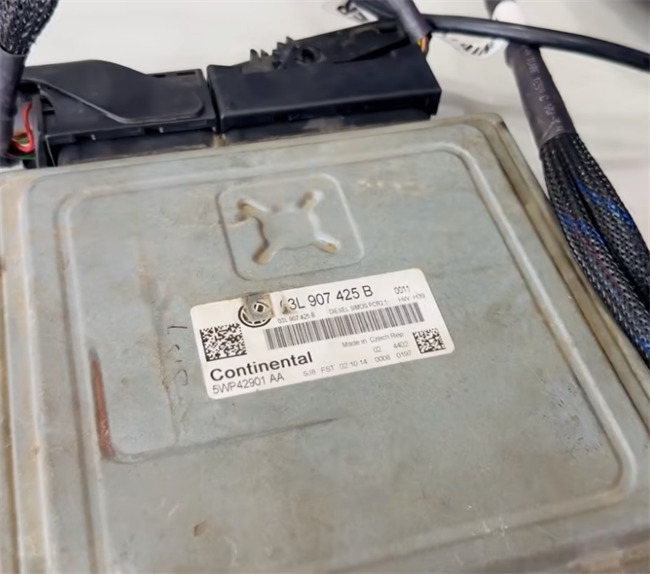
Because modifying a vehicle’s odometer without a proper record is illegal and risks data corruption, always follow these safety measures closely:
1.Back Up EEPROM Data
Read and back up your original mileage data before doing any writing. This backup file is essential in case the operation fails.
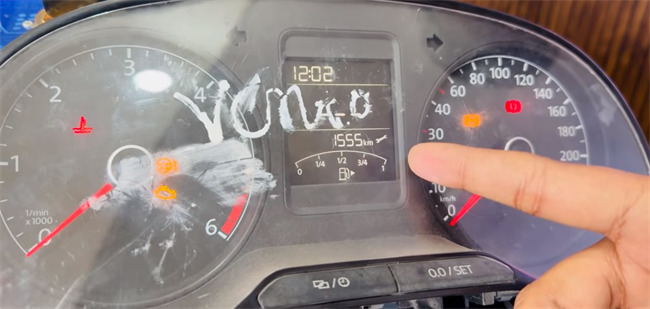
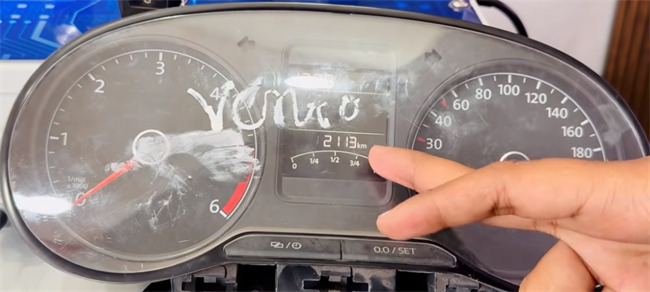
For example: original dashboard mileage is 1555 km
Connect CG201 mileage correction tool and VW via OBD cable
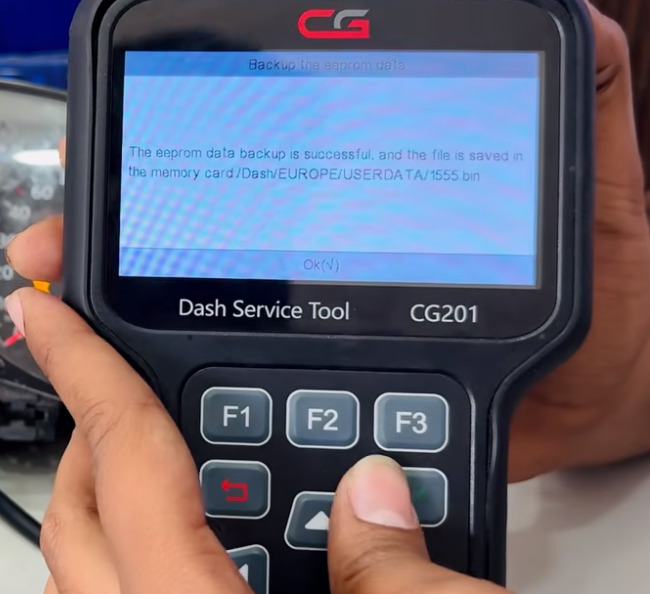
Navigate to Dashboard-> EUROPE V1.10-> Volkswagen-> By Type of instrument-> NEC+35XX-> Backup the eeprom data
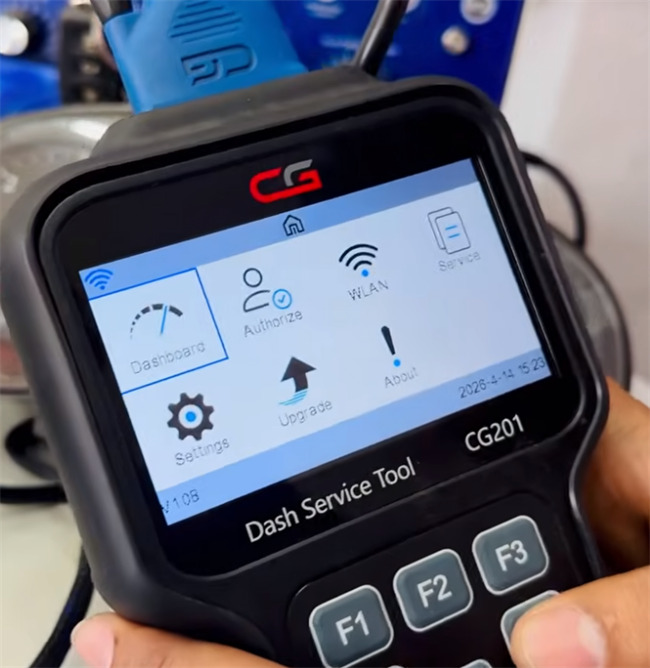
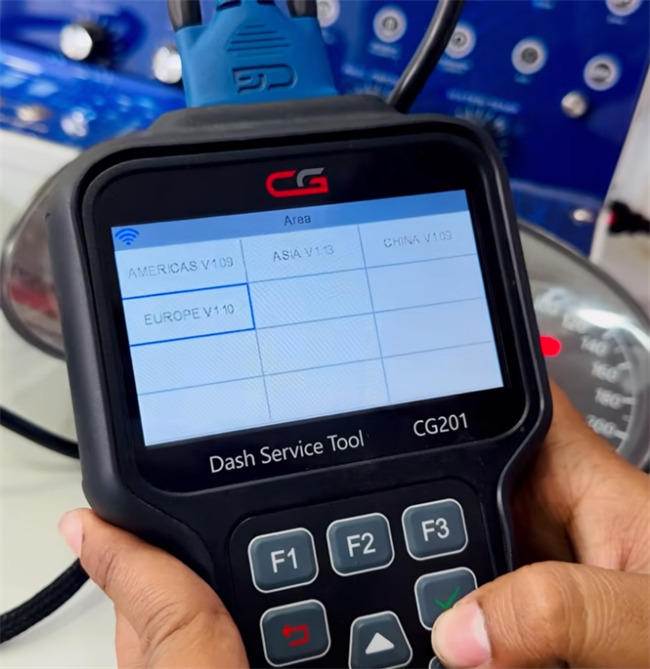
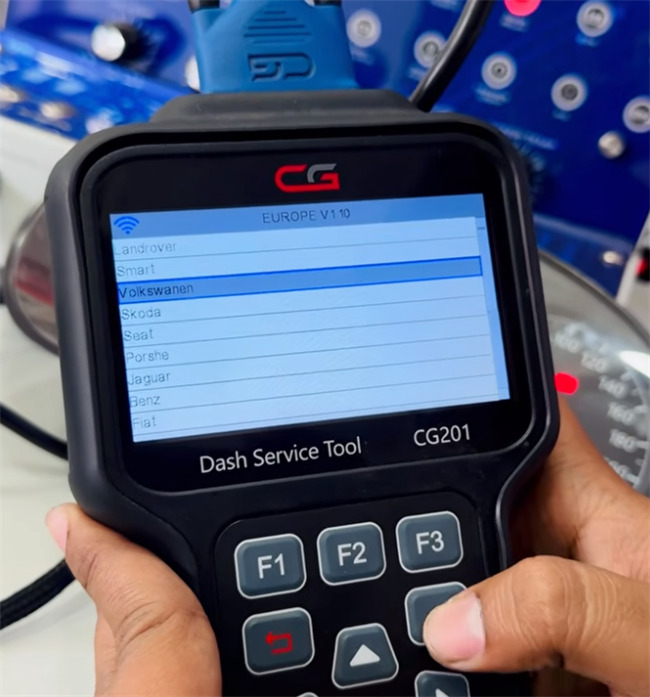
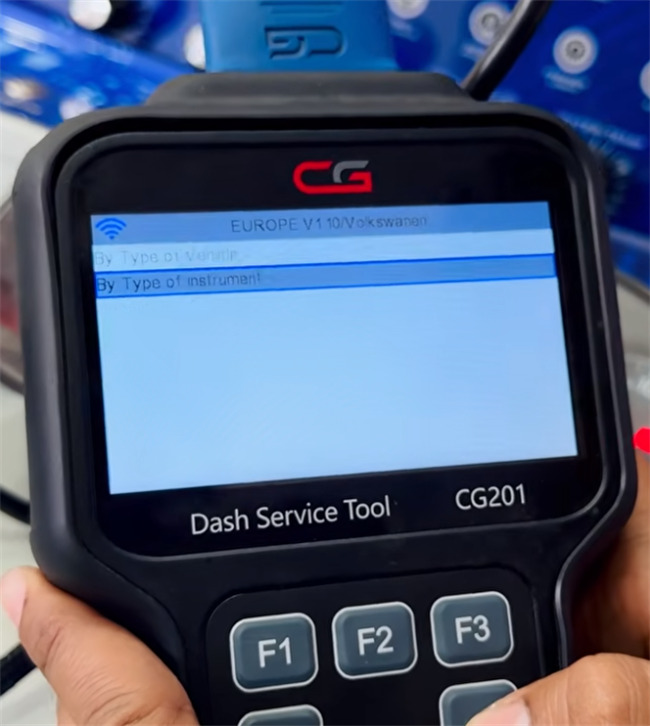
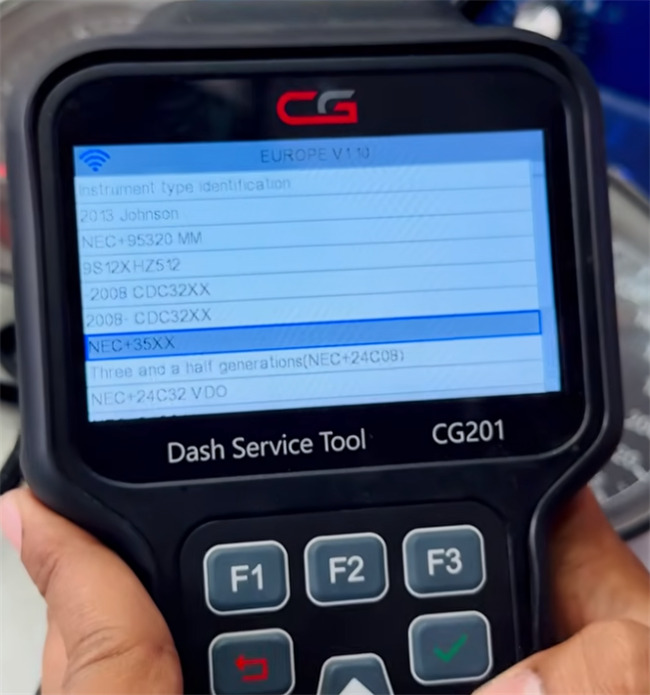
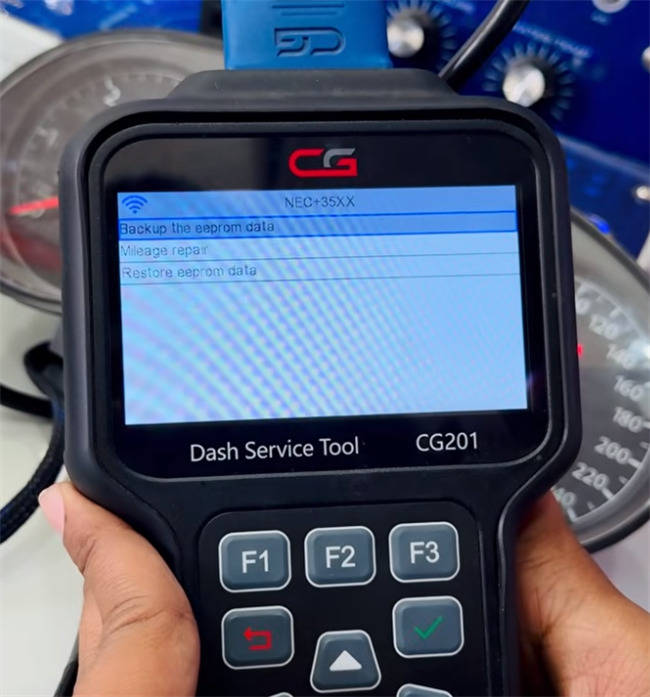
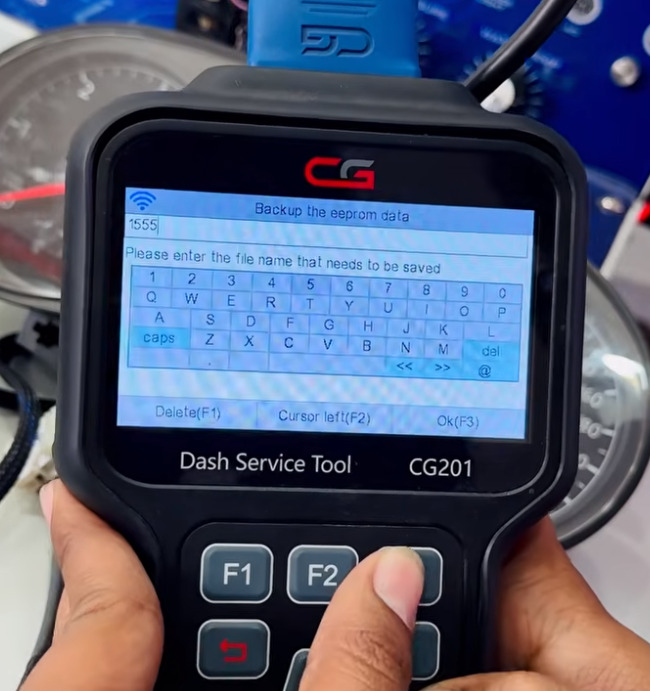
Enter a file name to save the data
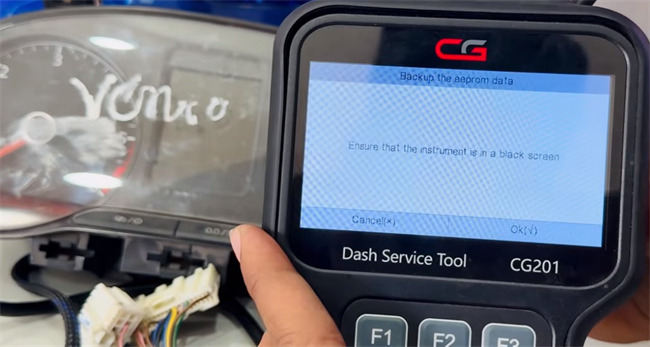
Ensure the instrument is in a black screen
Wait patiently, and the EEPROM data backup is successful
2.Repair Mileage
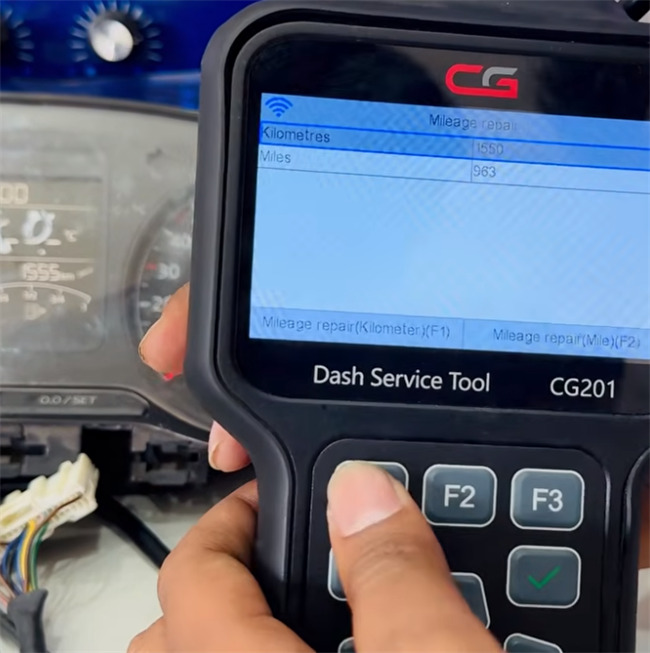
Click “Mileage repair”, it shows the current mileage
Press “F1” to access to Mileage repair (kilometer) interface
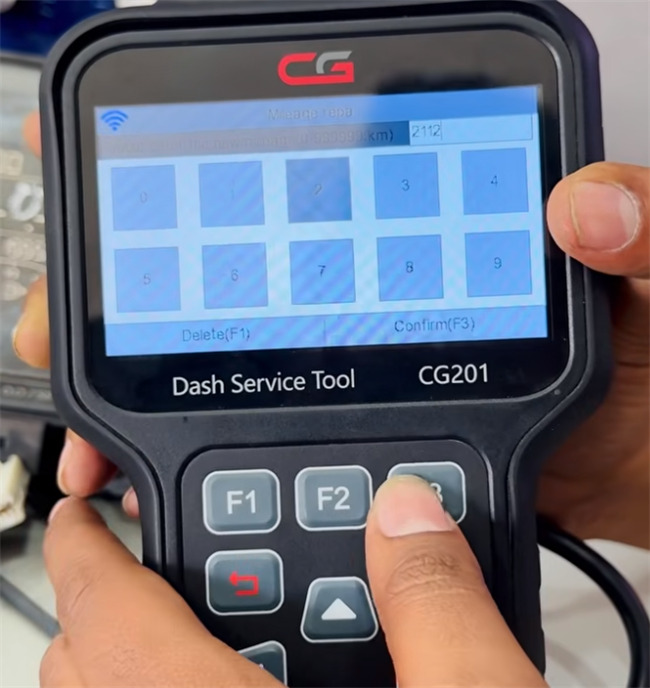
Input the new mileage desired (such as 2112)
Press “F3” to confirm
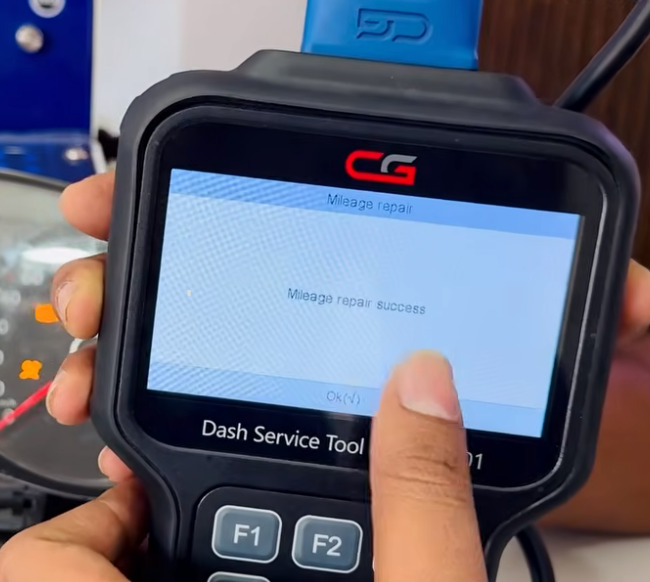
Wait for the repair process to complete
3.Verify
Reconnect and power on the instrument cluster to confirm that the new mileage is displayed correctly.

How to Use CGDI BMW Prog Add New Key for BMW X1
Can CG FC200 clone VW BOSCH EDC17CP20 ECU ?
CG Pro 9S12 vs CG FC200 vs CG100 Prog III
About The Author
